On this page
Key takeaways
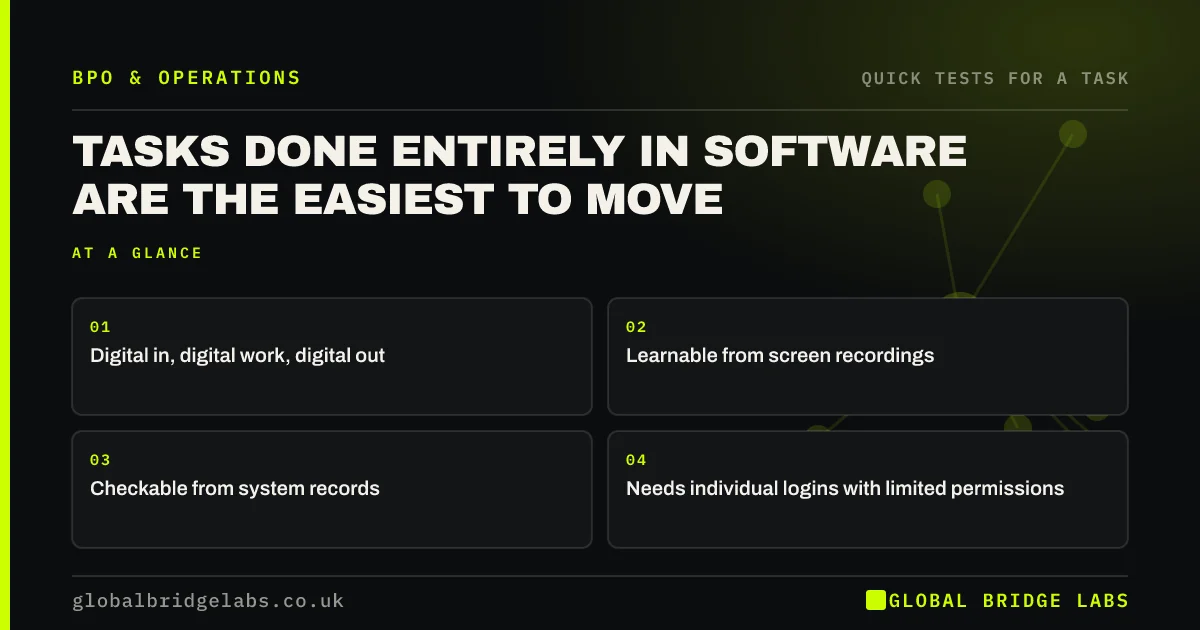
Tasks done entirely in software, where the inputs arrive digitally, the work happens in your systems and the output is a record, file or message, are the easiest to outsource. They can be learnt from screen recordings, checked from the system and done from anywhere. The main work is setting up safe, limited access.
- Digital in, digital work, digital out.
- Learnable from screen recordings.
- Checkable from system records.
- Needs individual logins with limited permissions.
Want to list your screen-only tasks with us? Message us on WhatsApp.
Chat on WhatsApp →Why are software-only tasks easiest?
Because every step leaves a trace and nothing depends on being in the room. You can record the task, write the steps against screenshots, watch the audit log for the output and sample results without asking anyone. That combination makes these tasks quick to hand over and easy to manage afterwards.
Which tasks are usually software-only?
In most small firms, these tasks rarely leave a screen.
- Updating records in a CRM, shop or booking system.
- Coding transactions and matching invoices in accounting software.
- Building reports from system exports.
- Listing products and updating prices online.
- Processing web forms and online applications.
How do you give access safely?
Give each outsourced person their own login, never a shared one, with only the permissions the task needs. Use multi-factor authentication. Keep admin rights and payment approvals inside. Remove access promptly when someone leaves the provider's team. These are standard controls in the NCSC's guidance for small organisations.
What does this look like in practice?
A pattern we see: a firm marks every task on its long list that never leaves a screen. That subset includes product updates, CRM tidying and report building, and forms the first outsourced block, with individual logins and restricted roles in each system.
Software-only task checklist
- Mark tasks with digital inputs and outputs.
- Record each one on screen.
- Set up individual, limited logins.
- Turn on multi-factor authentication.
- Keep admin and approval rights inside.
Next step
Go through your long list and mark every task that never leaves a screen. That subset is usually the fastest route to a first handover.
Message us on WhatsApp for the access checklist, or book a 30-minute consultation.
Chat on WhatsApp →Sources and further reading
- Small organisations guide to cyber security · National Cyber Security Centre
- Cyber Essentials overview · National Cyber Security Centre
Frequently asked questions
What are screen-based tasks?
Tasks where the inputs arrive digitally, the work is done in software and the output is a record, file or message. Updating a CRM, coding transactions, building reports, listing products and processing web forms are common examples. They are usually the easiest tasks to outsource.
Should outsourced staff share a login?
No. Each person should have their own login with only the permissions the task needs, protected by multi-factor authentication. Individual logins show who did what, make it easy to remove access, and are expected by most software licences and security guidance.
Are software tasks better automated than outsourced?
Some are. Identical, rule-based steps between systems with clean data can often be automated. Tasks that involve reading documents, handling exceptions or messy inputs usually need a person. Check automation first, then outsource what still needs human attention.
Written by

Global Bridge Labs (GBL) is a UK–Sri Lanka partner for social media, websites and BPO. Everything here comes from client delivery, not theory.