On this page
- 01Key takeaways
- 02Why do messages matter so much?
- 03What does a good reply contain?
- 04How fast should you reply?
- 05How do saved replies help?
- 06When should you move off the app?
- 07What rules apply to messaging customers?
- 08What does this look like in practice?
- 09Message handling checklist
- 10Next step
- 11Sources and further reading
- 12Frequently asked questions
Key takeaways
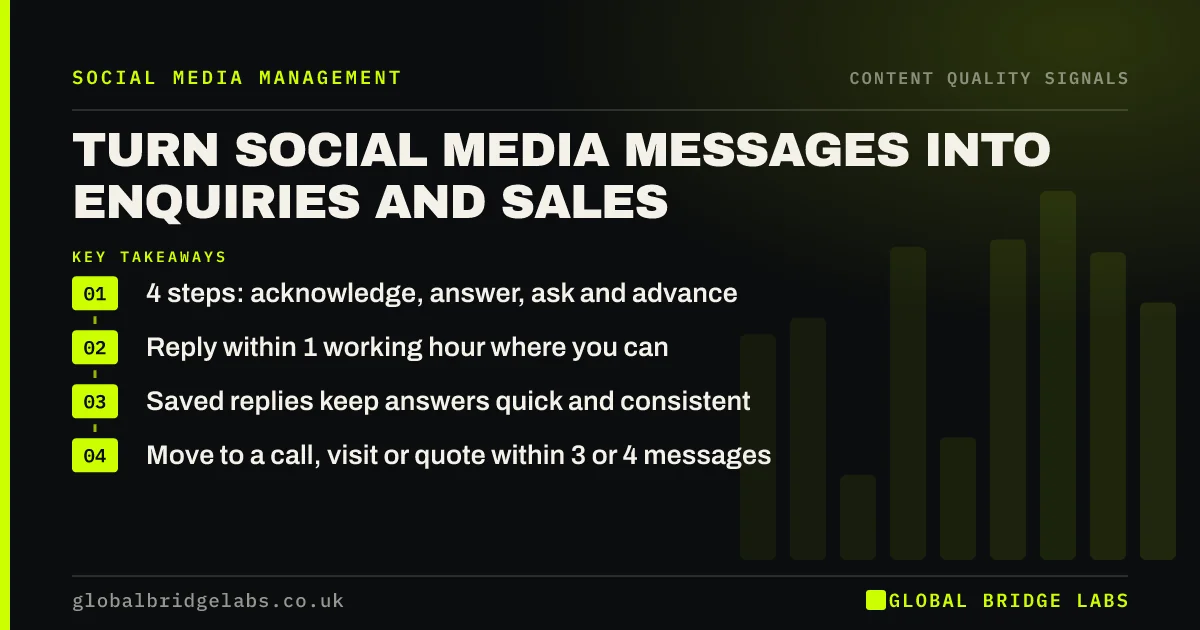
To turn social media messages into sales, reply quickly, answer the question asked, ask one qualifying question and propose a specific next step. Good content earns the message. What happens in the next hour decides whether it becomes a customer.
- 4 steps: acknowledge, answer, ask and advance.
- Reply within 1 working hour where you can.
- Saved replies keep answers quick and consistent.
- Move to a call, visit or quote within 3 or 4 messages.
Want your message replies reviewed? Send us an example on WhatsApp.
Chat on WhatsApp →Why do messages matter so much?
Messages matter because they are the moment a follower becomes an enquirer. Someone who writes to you has chosen to act. The reply is the first experience of dealing with your business, and a slow or vague one undoes the work of the content that prompted it.
What does a good reply contain?
A good reply has four steps. Acknowledge the person by name. Answer what they asked, even if only with a range. Ask one question that tells you whether they are a fit. Advance by offering a specific next step. Do all four in one short message.
- Acknowledge: 'Hi Sam, thanks for getting in touch.'
- Answer: 'Yes, we cover Harrogate. Most jobs like this are £900 to £1,400.'
- Ask: 'Is it a house or a flat?'
- Advance: 'I can call tomorrow at 10 or 2. Which suits?'
How fast should you reply?
Aim to reply within one working hour, and always within the same working day. People often message several businesses at once, and the first helpful reply has the advantage. Set an automatic greeting that states your hours, so nobody wonders whether the message arrived.
- Social media response time: what customers expect
- Losing leads to slow follow-up? When to outsource it
Struggling to reply in time? Message us on WhatsApp and we will discuss your requirements.
Chat on WhatsApp →How do saved replies help?
Saved replies are pre-written answers to common questions that you insert and then personalise. Write five: price, area, availability, how it works and what you need from them. They cut reply time and keep answers consistent whoever is on duty. Always add the person's name and one specific detail.
- Price: a range and what moves it.
- Area: where you do and do not cover.
- Availability: current lead time.
- Process: what happens next.
- Details needed: photos, postcode, sizes.
When should you move off the app?
Move off the app within three or four messages, once you know the enquiry is a fit. Offer a call, visit or written quote. Long conversations in messages are easy to lose and hard to hand over. Log the enquiry in your own system the day it arrives.
What rules apply to messaging customers?
Replying to someone who has contacted you is fine. Sending unsolicited marketing messages to individuals is restricted under PECR and generally needs consent. Personal details shared in a conversation are personal data under UK GDPR: use them for the enquiry, store them securely and do not add people to marketing lists without permission.
What does this look like in practice?
A pattern we see with UK small businesses: messages are checked when someone remembers, sometimes days later, and the reply is 'please call the office'. Handing replies to a named person with five saved answers typically recovers enquiries the business did not know it was losing.
Message handling checklist
Put these in place.
- A named person owns messages each day.
- An automatic greeting states your hours.
- Five saved replies exist.
- Each reply answers, asks and advances.
- Fit enquiries move to a call or quote quickly.
- Every enquiry is logged.
Next step
Write your five saved replies this week and decide who answers messages on each working day.
Message us on WhatsApp for saved reply wording, or book a 30-minute consultation.
Chat on WhatsApp →Sources and further reading
- Electronic and telephone marketing under PECR · Information Commissioner's Office
- Direct marketing and privacy and electronic communications · Information Commissioner's Office
- How to use click to chat · WhatsApp Help Center
Frequently asked questions
How do I turn social media messages into sales?
Reply within the hour where possible, answer the question, ask one question to check fit and offer a specific next step such as a call or visit. Move good-fit enquiries off the app within a few messages. Log each enquiry the day it arrives.
How quickly should a business reply to messages?
Within one working hour is a good target, and always the same working day. Buyers often contact several firms at once. An automatic greeting stating your hours covers evenings and weekends. Name one person each day who is responsible for checking, so nothing waits unseen.
Should I give prices in messages?
Yes, as a range with the factors that affect it, followed by a question about their situation. Refusing to give any figure tends to end the conversation. A range sets expectations and keeps it going. Have the range saved, so anyone on duty gives the same answer.
Can I message people who have not contacted me first?
Be careful. Unsolicited marketing messages to individuals are restricted under PECR and usually require consent. Replying to people who message you, or who have asked to be contacted, is fine. If someone gave you details for one purpose, do not reuse them for marketing without permission.
Written by

Global Bridge Labs (GBL) is a UK–Sri Lanka partner for social media, websites and BPO. Everything here comes from client delivery, not theory.