On this page
- 01Key takeaways
- 02How do duplicate pages happen?
- 03What do duplicates cost?
- 04Should you merge, close or keep?
- 05When should you keep a second account?
- 06How do you find every duplicate?
- 07What does this look like in practice?
- 08Duplicate checklist
- 09Next step
- 10Sources and further reading
- 11Frequently asked questions
Key takeaways
Duplicate business Facebook pages split followers, reviews and search results, so customers find an old page with wrong details and no replies. They come from old staff, rebrands and auto-created location pages. Keep one main page per business or location, merge where the platform allows, and close the rest.
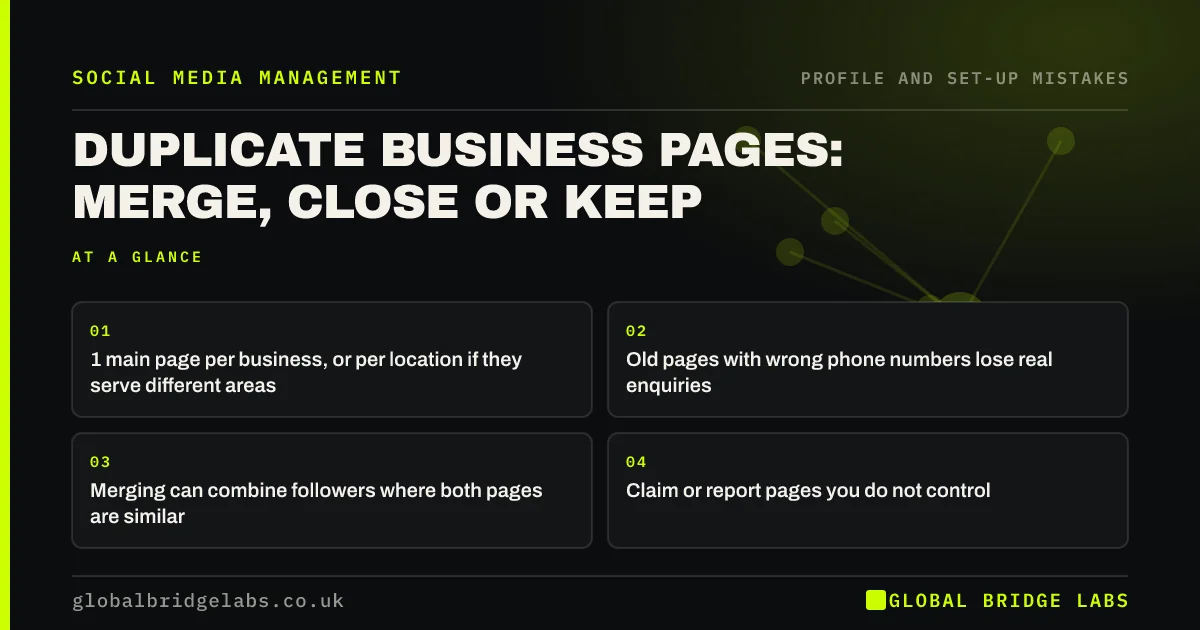
- 1 main page per business, or per location if they serve different areas.
- Old pages with wrong phone numbers lose real enquiries.
- Merging can combine followers where both pages are similar.
- Claim or report pages you do not control.
Found duplicate pages? Message us on WhatsApp and we will help untangle them.
Chat on WhatsApp →How do duplicate pages happen?
Duplicate pages happen when a former employee or agency set up a page you cannot reach, when a rebrand created a new page beside the old one, when check-ins created an unofficial location page, or when someone set up a second account after losing a password.
What do duplicates cost?
Duplicates cost enquiries that go to an unwatched inbox, reviews split across pages, customers calling an old number and a confused search result. A buyer who finds a page with no posts in years may assume you closed.
Should you merge, close or keep?
Merge pages that represent the same business and have similar names, where the platform allows it, so followers combine. Close pages you control that have no value. Keep separate pages only for locations or brands with genuinely different customers. Report or claim pages you do not control.
- How to close a business social media account properly
- Consistent social media across multiple locations
Want a plan for each page? Message us on WhatsApp and we will discuss your requirements.
Chat on WhatsApp →When should you keep a second account?
Keep a second account when it serves a different audience: a separate brand, a recruitment page, or a location in another town with its own team. Each kept account needs an owner and replies. If nobody will run it, close it.
How do you find every duplicate?
Find every duplicate by searching each platform for your current name, previous names, common misspellings and your address. Also search Google for your name plus each platform. Note who controls each result. Unofficial location pages and old brand pages usually turn up in the first few minutes.
- Search current and previous names.
- Search common misspellings.
- Search your address on Facebook.
- Note who controls each page.
What does this look like in practice?
A pattern we see: a business searching for itself on Facebook and finding three pages, one current, one from a former name and one auto-created from check-ins with a wrong address. Merging and claiming them cleans up search and stops enquiries going astray.
Duplicate checklist
- Search each platform for your name and old names.
- List every page and who controls it.
- Merge where the platform allows.
- Close pages with no value.
- Claim or report pages you do not control.
Next step
Search Facebook, Instagram and LinkedIn for your business name and any previous names today. Write down every result.
Message us on WhatsApp with what you find, or book a 30-minute consultation.
Chat on WhatsApp →Sources and further reading
- Meta Business Help Centre · Meta
- Google Business Profile Help · Google
Frequently asked questions
How do I merge two Facebook business pages?
Meta lets you request a merge when you are an admin of both pages and they represent the same thing with similar names and addresses. Followers combine and one page is removed. Check Meta's current help pages for eligibility and steps.
What if a duplicate page was made by someone else?
If it is an unofficial page created from check-ins, you can usually claim it or report it as a duplicate. If a former employee created it, ask them for admin access first, then use the platform's recovery or reporting process.
Should each location have its own page?
Only if locations serve different areas with different teams or offers and someone will run each page. Otherwise one main page with location details is easier to keep active.
Written by

Global Bridge Labs (GBL) is a UK–Sri Lanka partner for social media, websites and BPO. Everything here comes from client delivery, not theory.