
On this page
- 01Key takeaways
- 02Why are clinic websites different?
- 03Mistake 1: hidden or awkward booking
- 04Mistake 2: no practitioner profiles
- 05Mistake 3: unclear prices
- 06Mistake 4: clinical jargon
- 07Mistake 5: design that is hard to use
- 08Mistake 6: over-claiming results
- 09What does this look like in practice?
- 10Clinic website checklist
- 11Next step
- 12Sources and further reading
- 13Frequently asked questions
Key takeaways
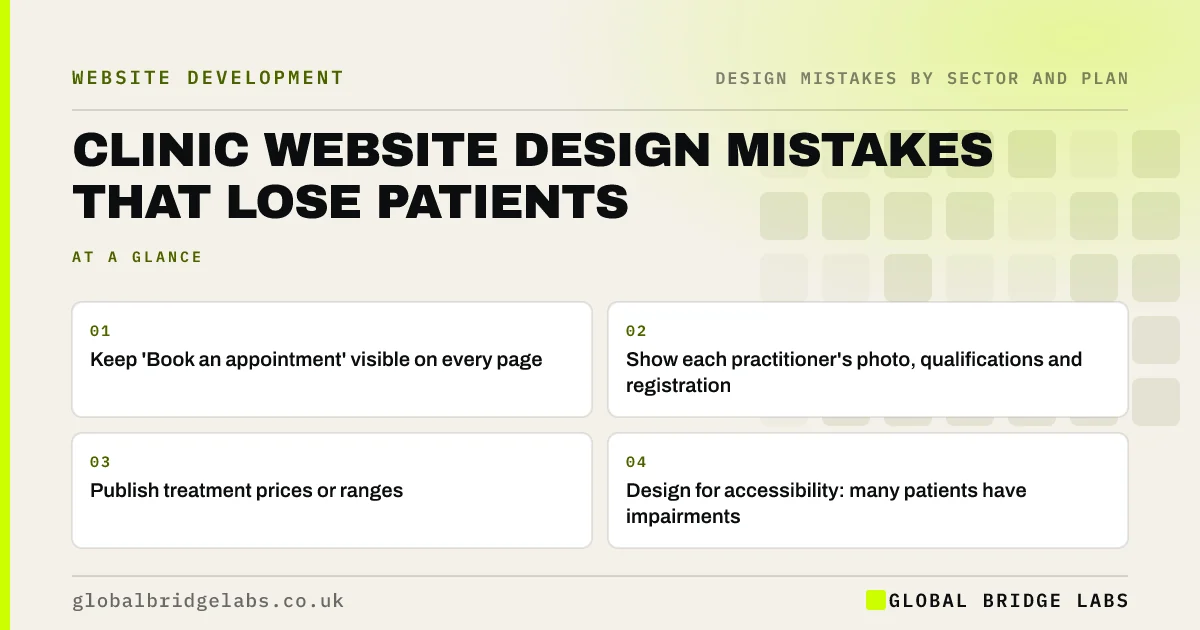
Clinic website design mistakes that lose patients include a booking button that is hard to find, no practitioner profiles, unclear treatment prices, clinical jargon and design that is hard to use for older or disabled patients. Patients are anxious and comparing; a clear, calm, accessible site with visible booking and real clinicians wins their trust.
- Keep 'Book an appointment' visible on every page.
- Show each practitioner's photo, qualifications and registration.
- Publish treatment prices or ranges.
- Design for accessibility: many patients have impairments.
Want your clinic website reviewed? Message us on WhatsApp.
Chat on WhatsApp →Why are clinic websites different?
Patients choosing a private clinic, dentist or therapist are often worried and need to trust the people before booking. They also include older people and people with health conditions that affect vision, mobility or concentration. Design mistakes that add effort or uncertainty hit clinics harder than most sectors.
Mistake 1: hidden or awkward booking
If patients must hunt for booking, or meet an embedded system that does not work on a phone, they ring instead or give up. Keep a booking button in the header, link it to a mobile-friendly booking system and offer phone for people who prefer it.
Mistake 2: no practitioner profiles
Patients want to know who will treat them. Show each clinician's photo, qualifications, professional registration and areas of focus, and link them to the treatments they provide.
Mistake 3: unclear prices
Private patients pay directly and want to know costs before booking. Publish prices or ranges for consultations and common treatments, and explain what affects the final cost and any payment plans.
Want treatment pages that answer patients' questions? Message us on WhatsApp and we will discuss your requirements.
Chat on WhatsApp →Mistake 4: clinical jargon
Treatment pages written in clinical language lose patients searching in everyday terms. Describe conditions and treatments in plain English first, then add the clinical detail. The NHS design principles and content guidance are a good model for clear health writing.
Mistake 5: design that is hard to use
Small grey text, low contrast, tiny buttons and complex forms are harder for many patients. Use readable type, strong contrast and large tap targets, and make sure booking works with a keyboard and screen reader.
Mistake 6: over-claiming results
Before-and-after images and outcome claims must be accurate and not misleading under advertising rules, and some treatments and medicines have specific restrictions on how they can be promoted. Show regulator ratings, such as a Care Quality Commission (CQC) rating where you have one, rather than unsupported claims.
What does this look like in practice?
A pattern we see: a clinic site lists treatments in clinical terms with no prices and the booking link in the footer. Adding plain-English descriptions, price ranges, practitioner profiles and a header booking button answers the questions patients would otherwise phone to ask.
Clinic website checklist
- Book an appointment button on every page.
- Practitioner profiles with registration details.
- Treatment prices or ranges.
- Plain-English treatment descriptions.
- Strong contrast, readable type, large buttons.
- Accurate claims and regulator ratings.
Next step
Ask an older relative or friend to book an appointment on your site using their own phone. Watch where they struggle.
Message us on WhatsApp for a clinic website review, or book a 30-minute consultation.
Chat on WhatsApp →Sources and further reading
- Display your CQC ratings · Care Quality Commission
- Accessibility: design · NHS digital service manual
- Understanding SC 1.4.3: Contrast (Minimum) · W3C
Frequently asked questions
What should a clinic website include?
Visible online booking, treatment pages in plain English, prices or ranges, practitioner profiles with qualifications and registration, reviews, regulator ratings where relevant, location and parking details and accessible design.
Should private clinics show prices online?
Yes, where possible. Patients paying privately want to know costs before booking. Publish prices or ranges for consultations and common treatments and explain what affects the final cost.
How do I make my clinic website accessible?
Use readable text sizes, strong contrast, large tap targets, clear headings, alt text for images and forms with visible labels, and make sure booking works by keyboard. Test with older patients and against WCAG 2.2 AA.
Written by

Global Bridge Labs (GBL) is a UK–Sri Lanka partner for social media, websites and BPO. Everything here comes from client delivery, not theory.


