On this page
- 01Key takeaways
- 02Why is 'credit to the owner' not enough?
- 03What are the common photo mistakes?
- 04How do you get permission properly?
- 05What if someone complains?
- 06How do you audit the images you have posted?
- 07What does this look like in practice?
- 08Photo permission checklist
- 09Next step
- 10Sources and further reading
- 11Frequently asked questions
Key takeaways
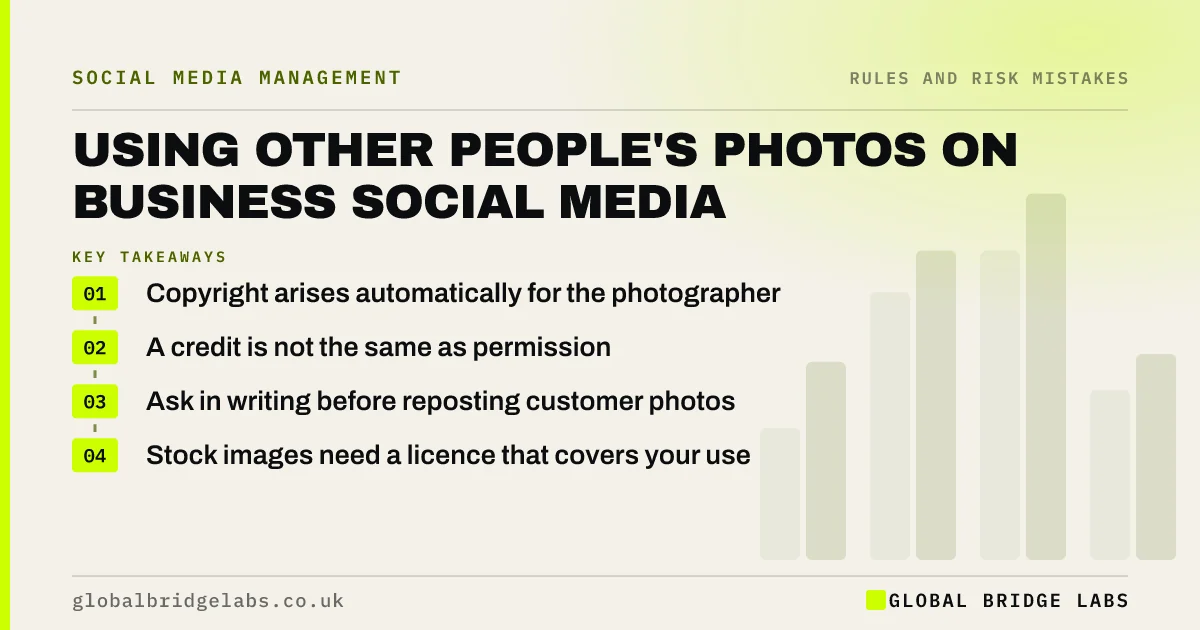
Using other people's photos on business social media without permission can breach copyright, even with a credit. In the UK, copyright belongs to whoever took the photo, automatically. 'Found on Google' or 'credit to the owner' is not permission. Ask first, in writing, or use your own photos and properly licensed images.
- Copyright arises automatically for the photographer.
- A credit is not the same as permission.
- Ask in writing before reposting customer photos.
- Stock images need a licence that covers your use.
Want a simple permission routine? Message us on WhatsApp.
Chat on WhatsApp →Why is 'credit to the owner' not enough?
A credit is not enough because copyright gives the owner the right to decide who uses their work. Naming them does not give you that right. Platforms' share buttons, such as resharing a Story you are tagged in, are generally fine within the app, but downloading and reposting is different.
What are the common photo mistakes?
The common mistakes are reposting customer photos without asking, using images found in search results, using a photographer's event photos without a licence, and using stock images beyond their licence, for example in ads.
- Reposting customer photos without asking.
- Using images from search results.
- Using event photos from a photographer.
- Using stock images outside the licence terms.
Want a permission message template? Message us on WhatsApp and we will discuss your requirements.
Chat on WhatsApp →How do you get permission properly?
Ask in a message or comment: 'We love this photo. Can we share it on our page and credit you?' Keep the reply. For ads or longer use, get clearer written permission. If the photo shows people, check they are happy too, because that is also a data protection matter.
What if someone complains?
Remove the image promptly, apologise and offer to credit or license it properly if they agree. Most disputes end there. Ignoring a complaint can lead to a platform takedown or a claim for a licence fee.
How do you audit the images you have posted?
Audit them by marking each image in your last 30 posts as taken by you, licensed, used with written permission or unknown. Any unknown image is a risk. For licensed stock, check the licence covers social media and advertising use if you have used it in ads.
- Images you did not take.
- Images with no permission on record.
- Stock used beyond its licence.
- Customer photos downloaded and reposted.
What does this look like in practice?
A pattern we see: a business reposting customers' photos of its products from their accounts with a credit, until one customer objects. Asking a one-line question before reposting usually gets an enthusiastic yes, and removes the risk.
Photo permission checklist
- Use your own photos first.
- Ask before reposting anyone's photo.
- Keep the permission message.
- Check stock licence terms.
- Remove images promptly if asked.
Next step
Look at your last 20 posts and mark any image you did not take or license. Ask permission or replace them.
Message us on WhatsApp for help, or book a 30-minute consultation.
Chat on WhatsApp →Sources and further reading
- How copyright protects your work · GOV.UK
- Advice for small organisations · Information Commissioner's Office
- Meta Business Help Centre · Meta
Frequently asked questions
Can I use a photo if I credit the owner?
Not without permission. A credit does not give you the right to use someone's work. Ask the owner first and keep their reply. For ads or longer use, get clearer written permission.
Can I repost a customer's photo of my product?
Yes, with their permission. Ask in a message or comment and keep the reply. Sharing a Story you are tagged in through the app's own share feature is generally accepted.
Can I use images from Google on social media?
Usually not. Most images in search results are protected by copyright. Use your own photos, images you have licensed, or ones with a licence that clearly allows your use.
Written by

Global Bridge Labs (GBL) is a UK–Sri Lanka partner for social media, websites and BPO. Everything here comes from client delivery, not theory.