On this page
- 01Key takeaways
- 02What is social media inbox management?
- 03Which tool should a small business use?
- 04How should you label conversations?
- 05Which saved replies should you write?
- 06How often should you check the inbox?
- 07When should you hand the inbox to someone else?
- 08What does this look like in practice?
- 09Inbox checklist
- 10Next step
- 11Sources and further reading
- 12Frequently asked questions
Key takeaways
Manage a social media inbox by bringing every platform into one place, labelling each conversation by type, using saved replies for routine questions, and checking at fixed times with a reply target. Meta Business Suite combines Facebook, Instagram and connected WhatsApp messages for free, which covers most UK small businesses.
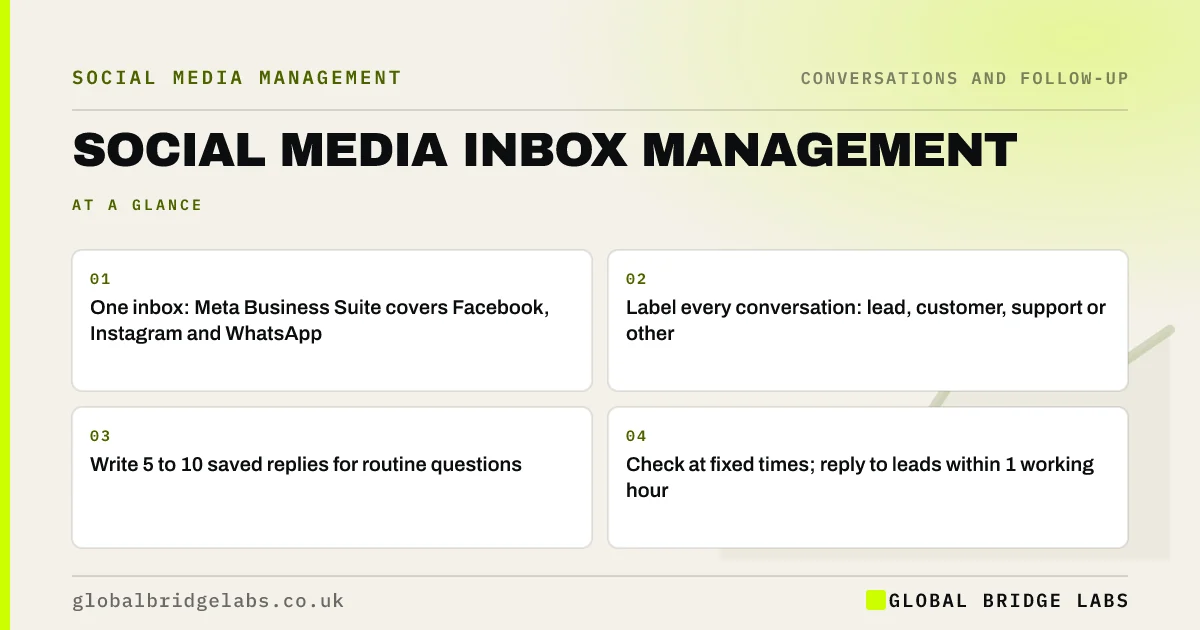
- One inbox: Meta Business Suite covers Facebook, Instagram and WhatsApp.
- Label every conversation: lead, customer, support or other.
- Write 5 to 10 saved replies for routine questions.
- Check at fixed times; reply to leads within 1 working hour.
Want your inbox set up and labelled? Message us on WhatsApp.
Chat on WhatsApp →What is social media inbox management?
Social media inbox management is the routine of collecting, sorting, answering and tracking the messages and comments a business receives on social platforms, so that every enquiry gets a timely reply and none are lost. It covers tools, ownership, labels, saved replies and response targets.
Which tool should a small business use?
Start with Meta Business Suite, which is free and brings Facebook Messenger, Instagram messages and comments and a connected WhatsApp Business account into one inbox, on desktop and in an app. Paid social media management tools add LinkedIn, TikTok and reporting, which suits businesses active on several platforms or with several people answering.
How should you label conversations?
Label conversations by what needs to happen next, using four or five labels at most: new lead, quoted, customer, support and done. Labels let anyone on the team see which conversations need attention, and make it easy to count leads at the end of the month.
Which saved replies should you write?
Write saved replies for the questions you answer every week: prices or ranges, areas covered, availability, how the process works, opening hours and what details you need. Personalise each before sending by adding the person's name and one specific detail, so it never reads as a template.
Want saved replies written for your business? Message us on WhatsApp and we will discuss your requirements.
Chat on WhatsApp →How often should you check the inbox?
Check at fixed times rather than constantly: for example 9am, 11am, 1pm, 3pm and 5pm on working days, with notifications for new leads. Fixed times protect focus, and five checks a day still allows a reply within about two hours. Faster targets need someone whose job includes watching the inbox.
When should you hand the inbox to someone else?
Hand the inbox to someone else when replies regularly take more than a day, when the owner is the only person answering, or when volume needs more than an hour a day. It can go to a team member, an agency or a managed support team, with saved replies and a clear handover rule.
What does this look like in practice?
A pattern we see: Instagram messages on the owner's phone, Facebook messages on a laptop nobody opens, and WhatsApp on a work mobile in a drawer. Connecting all three in one inbox with labels is usually the first job, and often reveals unanswered enquiries.
Inbox checklist
- Connect all platforms to one inbox.
- Create four or five labels.
- Write saved replies for routine questions.
- Set fixed check times and a lead reply target.
- Name a daily owner and deputy.
- Count labelled leads monthly.
Next step
Open Meta Business Suite and connect any account that is not already there. Then search for conversations with no reply.
Message us on WhatsApp and we will help set up your inbox, or book a 30-minute consultation.
Chat on WhatsApp →Sources and further reading
- Meta Business Help Centre · Meta
- WhatsApp Business app · WhatsApp
- UK Customer Satisfaction Index · Institute of Customer Service
Frequently asked questions
How do I manage all my social media messages in one place?
Use Meta Business Suite, which is free and combines Facebook, Instagram and connected WhatsApp Business messages. If you also use LinkedIn or TikTok heavily, a paid social media management tool can bring those in too. Then add labels, saved replies and fixed check times.
Can Meta Business Suite manage WhatsApp messages?
Yes, a WhatsApp Business account can be connected so its messages appear in the Business Suite inbox alongside Facebook and Instagram. Check Meta's current help pages for set-up, as features change.
How often should I check my business social media messages?
At fixed times through the working day, such as every two hours, with notifications for new leads. That allows a same-morning or same-afternoon reply without constant interruptions. If you need faster replies, make watching the inbox part of someone's job.
Written by

Global Bridge Labs (GBL) is a UK–Sri Lanka partner for social media, websites and BPO. Everything here comes from client delivery, not theory.