On this page
- 01Key takeaways
- 02Why do businesses run from personal profiles?
- 03What does a business lose on a personal profile?
- 04How do you move to a business page?
- 05Should the owner stop posting personally?
- 06How do you spot that your business lives on a personal profile?
- 07What does this look like in practice?
- 08Personal profile checklist
- 09Next step
- 10Sources and further reading
- 11Frequently asked questions
Key takeaways
Using a personal Facebook profile for business is a mistake because Meta's terms say personal profiles are for individuals, and business use risks restriction. It also blocks ads, insights and shared admin access. Move the business to a page, keep your personal profile for personal posts, and share from one to the other.
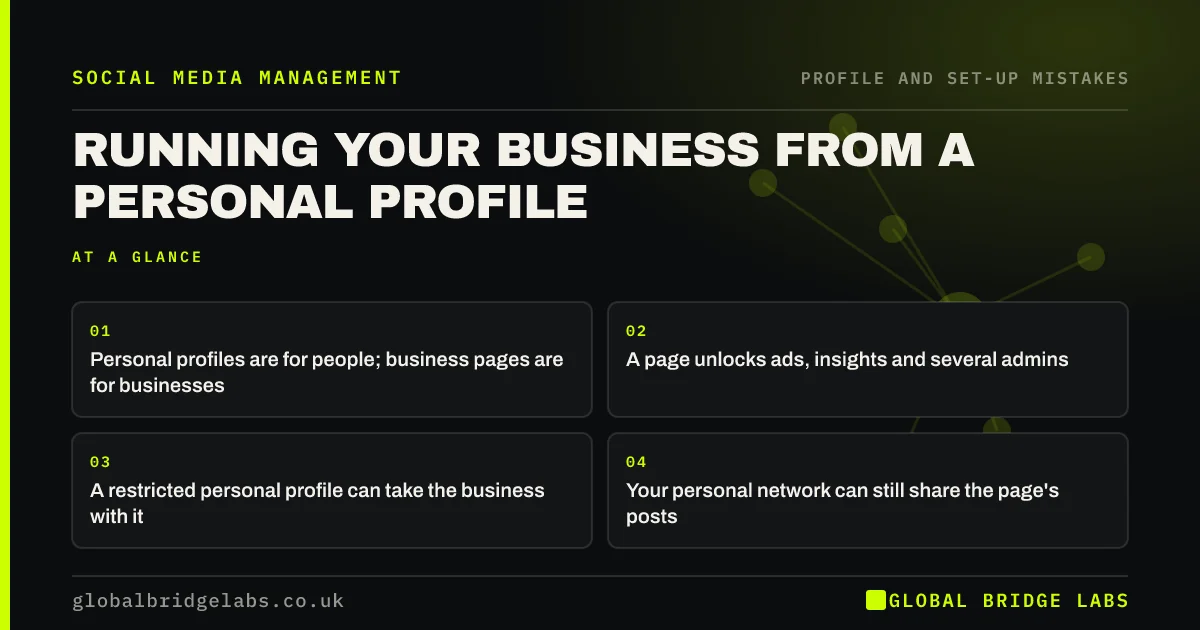
- Personal profiles are for people; business pages are for businesses.
- A page unlocks ads, insights and several admins.
- A restricted personal profile can take the business with it.
- Your personal network can still share the page's posts.
Want help moving to a business page? Message us on WhatsApp.
Chat on WhatsApp →Why do businesses run from personal profiles?
Businesses run from personal profiles because that is where the owner's friends and local contacts already are, and early customers came from them. It feels natural to post jobs there. The problem appears later, when the business needs ads, help from staff or proof of results.
What does a business lose on a personal profile?
On a personal profile a business loses access to advertising, page insights, message tools, booking buttons and reviews, and cannot give staff or an agency safe access without sharing a password. It also risks the profile being restricted for commercial use.
How do you move to a business page?
Create a page with the business name, category, area and contact details. Post a few proof posts before announcing it. Then tell friends from your personal profile, ask happy customers to follow and leave a review, and point any old listings at the page.
- 1. Create the page and complete every field.
- 2. Add a second admin you trust.
- 3. Post three proof posts.
- 4. Announce it from your personal profile.
Want the page set up properly? Message us on WhatsApp and we will discuss your requirements.
Chat on WhatsApp →Should the owner stop posting personally?
No. A personal profile that shares the page's posts and talks about the work as a person often reaches more people than the page. The mistake is running the business only from the personal profile, not the owner being visible.
How do you spot that your business lives on a personal profile?
Your business lives on a personal profile if customers send friend requests to buy from you, if you cannot run an ad or see page insights, or if nobody else can reply without your password. Business posts mixed with family photos on the same profile are another clear sign.
- Customers send friend requests.
- No access to ads or insights.
- Staff need your password to help.
- Business and family posts mixed together.
What does this look like in practice?
A pattern we see: a sole trader with a busy personal profile full of jobs, who cannot run an ad or let an assistant reply. Setting up a page and sharing posts from the personal profile keeps the friendly reach and adds the business tools.
Personal profile checklist
- Create a business page.
- Add a second trusted admin.
- Move business posts to the page.
- Share page posts from your personal profile.
- Ask customers to review the page.
Next step
If customers message your personal profile, set up a page this week and reply there from now on.
Message us on WhatsApp for help with the move, or book a 30-minute consultation.
Chat on WhatsApp →Sources and further reading
- Meta Business Help Centre · Meta
- Small Business Guide: cyber security · National Cyber Security Centre
Frequently asked questions
Can I use my personal Facebook profile for business?
You can talk about your work and share your business page's posts, but Meta's terms say personal profiles are for individuals, and running a business from one risks restriction. A business page gives you ads, insights, reviews and shared admin access.
Will I lose my followers if I move to a business page?
Your friends stay on your personal profile, and you can invite them to follow the page. Most people who care about your business will follow when you ask, and new customers will find the page directly.
Is an Instagram business account better than a personal one?
For a business, yes. A professional account gives you insights, contact buttons and access to ads. You can switch an existing Instagram account to a professional one without losing followers.
Written by

Global Bridge Labs (GBL) is a UK–Sri Lanka partner for social media, websites and BPO. Everything here comes from client delivery, not theory.