On this page
- 01Key takeaways
- 02Why are offline sales from social media hard to see?
- 03Which tracking methods work offline?
- 04How do you ask customers properly?
- 05What about phone calls from social media?
- 06How do you report offline and online together?
- 07What are the limits of offline tracking?
- 08What does this look like in practice?
- 09Offline tracking checklist
- 10Next step
- 11Sources and further reading
- 12Frequently asked questions
Key takeaways
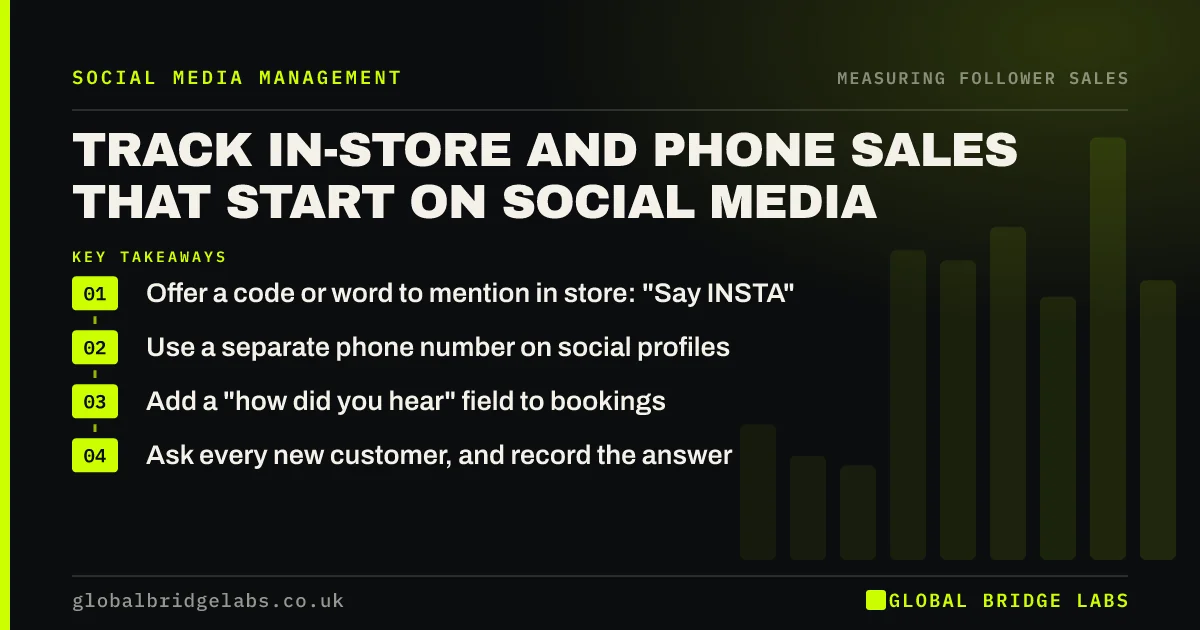
Many sales that start on social media end in a shop, on the phone or at a booking desk, where no analytics tool sees them. Track them with four simple methods: a code mentioned at the till, a dedicated phone number, a note in the booking system and asking every new customer how they found you. Combine them in one monthly count.
- Offer a code or word to mention in store: "Say INSTA".
- Use a separate phone number on social profiles.
- Add a "how did you hear" field to bookings.
- Ask every new customer, and record the answer.
Want offline sales from social media counted properly? Message us on WhatsApp.
Chat on WhatsApp →Why are offline sales from social media hard to see?
Offline sales are hard to see because the person who saw your post walks in, rings or books by phone days later, and nothing links the two. Platform reports and Google Analytics 4 (GA4) only record online actions. For local businesses, that can be most of the social media effect.
Which tracking methods work offline?
Four methods work for small businesses, and using two or three together gives a reasonable count.
- Codes: "Mention INSTA for a free coffee" recorded at the till.
- Phone numbers: a dedicated number on social profiles only.
- Booking notes: a required "how did you hear" field.
- Asking: every new customer, every time, with set answers.
How do you ask customers properly?
Ask in a consistent way with set answers to choose from, such as Instagram, Facebook, Google, recommendation, passing by or other, rather than an open question. Record it at the till, in the booking system or on the job sheet. Make it part of every new customer's first visit, not an occasional survey.
Want a simple recording method for your team? Message us on WhatsApp and we will discuss your requirements.
Chat on WhatsApp →What about phone calls from social media?
Put a dedicated phone number on your social profiles, or a call tracking number, so calls from social media can be counted separately. Tap-to-call buttons on profiles and posts also show click counts in platform insights. Remember that call recording and call tracking involve personal data, so tell callers where required.
How do you report offline and online together?
Keep one monthly table: online enquiries and sales from GA4, message enquiries from the inbox, and offline sales from codes, calls and the customer question. Add them for a total from social media. It will still undercount, but it will be far closer than online figures alone.
What are the limits of offline tracking?
Offline tracking relies on staff asking and customers remembering, so it misses some. Codes undercount people who forget them, and "how did you hear" answers favour the last thing a customer remembers. Treat the total as a floor and look at the trend over months.
What does this look like in practice?
A pattern we see with shops and restaurants: social media looks weak because GA4 shows few online conversions, while staff say customers mention Instagram all the time. Recording a simple code and asking every new customer for a month usually puts a number on what staff already notice.
Offline tracking checklist
- Choose two or three methods.
- Brief staff on asking and recording.
- Use set answer options.
- Add a dedicated number to social profiles.
- Combine online and offline in one monthly table.
- Watch the trend, not single months.
Next step
Start asking every new customer how they found you from tomorrow, with five set answers, and count them at the end of the month.
Message us on WhatsApp and we will help set up offline tracking, or book a 30-minute consultation.
Chat on WhatsApp →Sources and further reading
- About key events · Google Analytics Help
- URL builders: collect campaign data with custom URLs · Google Analytics Help
- Right to be informed (privacy information) · Information Commissioner's Office
Frequently asked questions
How do I track in-store sales from social media?
Use a code or word for customers to mention, record it at the till, ask every new customer how they found you with set answers, and add a field to bookings. Combine these with online figures in one monthly report.
How can I tell if Instagram brings walk-in customers?
Ask every new customer how they heard of you and record the answer, and run an Instagram-only offer that customers mention in store. Over a month or two you will see a count you can compare with other sources and track over time.
Should I use a separate phone number for social media?
It helps if many customers phone after seeing your posts. A dedicated or tracked number on social profiles lets you count calls from social separately. Tell callers about call recording where required and handle call data under UK GDPR.
Written by

Global Bridge Labs (GBL) is a UK–Sri Lanka partner for social media, websites and BPO. Everything here comes from client delivery, not theory.