
On this page
- 01Key takeaways
- 02How can you tell a homepage is losing customers?
- 03What do the analytics warning signs look like?
- 04What do customers' questions tell you?
- 05Which signs point to something other than the homepage?
- 06What does this look like in practice?
- 07Homepage warning signs checklist
- 08Next step
- 09Sources and further reading
- 10Frequently asked questions
Key takeaways
The clearest signs your homepage is losing customers are a high share of homepage exits, few clicks to service pages, enquiries that ask questions the homepage should answer and callers who say they 'couldn't find' something. Any two of these together usually point to a fixable problem on the first screen or the call to action.
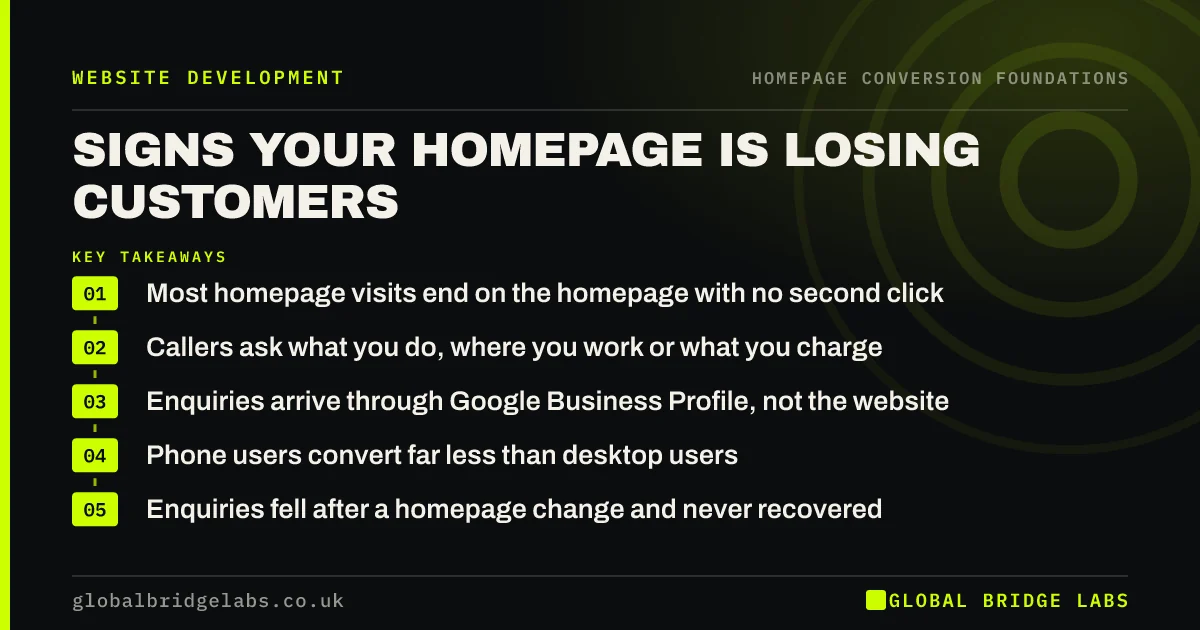
- Most homepage visits end on the homepage with no second click.
- Callers ask what you do, where you work or what you charge.
- Enquiries arrive through Google Business Profile, not the website.
- Phone users convert far less than desktop users.
- Enquiries fell after a homepage change and never recovered.
Seeing two or more of these? Message us on WhatsApp and we will look.
Chat on WhatsApp →How can you tell a homepage is losing customers?
A homepage is losing customers when people who could buy arrive, look and leave without taking any step forward. You see it in analytics as exits and missing clicks, in your inbox as basic questions and in conversations as 'I couldn't see how to book'. The signs are usually visible weeks before an owner notices fewer enquiries.
What do the analytics warning signs look like?
In GA4, look for three things. First, a homepage where most sessions end without a second page or key event. Second, very few clicks on the main call to action compared with clicks on the menu. Third, a big gap between mobile and desktop: if phones bring most visits but few enquiries, the mobile homepage is probably hiding the next step.
What do customers' questions tell you?
Questions are free research. If callers ask whether you cover their town, how long the wait is or roughly what a job costs, the homepage did not answer the questions that matter to them. Keep a simple tally for two weeks; the top three questions are usually the missing parts of the first two screens.
Which signs point to something other than the homepage?
Falling enquiries are not always the homepage. If homepage traffic fell too, check search rankings and Google Business Profile first. If enquiries arrive but do not turn into work, the issue is follow-up or price. And if a competitor opened nearby or the season turned, the homepage may be fine.
What does this look like in practice?
A pattern we see in local service firms: most new customers say they found the business on Google Maps and rang straight from the listing. The website gets visits but almost no enquiries. When the homepage finally shows the service area, opening hours and a tappable number at the top, website calls start to appear alongside the Maps ones.
Homepage warning signs checklist
- Check what share of homepage sessions end on the homepage.
- Compare main button clicks with menu clicks.
- Compare mobile and desktop key events.
- Tally the questions callers and emailers ask for two weeks.
- Ask new customers where they nearly gave up.
- Rule out traffic, season and follow-up before blaming the page.
Next step
Start a two-week tally of the questions customers ask before they buy. Put a mark next to each one your homepage already answers clearly.
Message us on WhatsApp with what you find, or book a 30-minute consultation.
Chat on WhatsApp →Sources and further reading
- Engagement rate and bounce rate · Google Analytics Help
- About key events · Google Analytics Help
- Google Business Profile Help · Google
Frequently asked questions
How do I know if my homepage is working?
Check whether homepage visitors move forward: clicks to service pages, taps on your phone number, form starts and bookings. If most homepage sessions end without any of these, and customers still ask basic questions the page should answer, the homepage is not doing its job.
Is a high bounce rate on the homepage always bad?
No. Some visitors find your phone number or opening hours and leave satisfied. Look at bounce rate alongside phone taps, direction clicks and enquiries. A high bounce rate with very few of those actions is the warning sign, not the bounce rate alone.
Why do people visit my homepage and then leave?
Usually because the first screen does not tell them what you do, for whom and where, or because there is no obvious next step. Slow loading on phones and pop-ups covering the page are the next most common causes. Test the first screen with someone outside the business.
Written by

Global Bridge Labs (GBL) is a UK–Sri Lanka partner for social media, websites and BPO. Everything here comes from client delivery, not theory.


