On this page
Key takeaways
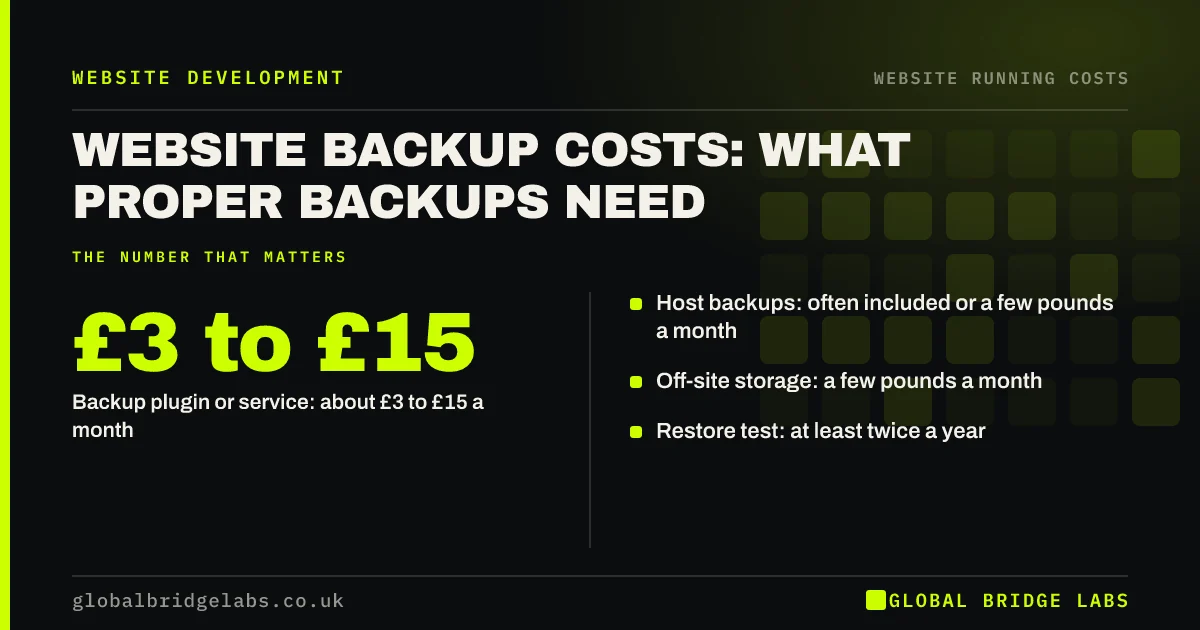
Proper website backups typically cost a UK small business £0 to £15 a month: some hosts include them, and backup tools or off-site storage cost a few pounds more. The real value is a tested restore. A backup that has never been restored may not work when the site is hacked, broken by an update or deleted.
- Host backups: often included or a few pounds a month.
- Backup plugin or service: about £3 to £15 a month.
- Off-site storage: a few pounds a month.
- Restore test: at least twice a year.
Want your backups tested? Message us on WhatsApp.
Chat on WhatsApp →How much do website backups cost?
Website backups cost about £0 to £15 a month for most small business sites. Many hosts include daily backups; backup plugins or services cost about £3 to £15 a month, and off-site storage a few pounds more. Care plans often include backups and restores.
What makes a backup proper?
A proper backup is automatic, frequent enough for how often your site changes, stored somewhere separate from the site, kept for several weeks, and tested by restoring it. The NCSC small business guide treats regular, tested backups as a core defence.
- Automatic and scheduled.
- Stored away from the live site.
- Several weeks of history kept.
- Restored in a test at least twice a year.
Want a backup plan matched to your site? Message us on WhatsApp and we will discuss your requirements.
Chat on WhatsApp →How often should you back up?
Back up daily if the site takes orders, bookings or form submissions stored on the site. Weekly may be enough for a brochure site that rarely changes. Always back up before updates or changes, so you can roll back if something breaks.
What does a restore cost?
A restore can cost nothing if you can do it from your host's panel, or one to a few hours of developer time if not. Without a working backup, recovering from a hack can mean rebuilding the site, costing far more.
When are host backups not enough?
Host backups are not enough when they sit on the same server as the site, are kept only for a few days, or cannot be restored without a support ticket. Add an independent off-site copy for anything you cannot afford to lose.
What does this look like in practice?
At Global Bridge Labs (GBL), a UK builders' merchant discovered its host kept backups for three days. A plugin conflict had broken the site a week earlier, unnoticed. Restoring meant rebuilding pages by hand. An off-site backup at £6 a month with 30 days of history has since restored the site twice in minutes.
Backup checklist
- Check what your host backs up and for how long.
- Add an off-site copy.
- Back up before every update.
- Keep at least 30 days of history.
- Test a restore twice a year.
- Write down who restores and how.
Next step
Ask your host or developer when your site was last restored from backup. If nobody knows, schedule a test restore this month.
Message us on WhatsApp for a website backup checklist, or book a 30-minute consultation.
Chat on WhatsApp →Sources and further reading
- Small Business Guide: cyber security · National Cyber Security Centre
- Small Business Guide: response and recovery · National Cyber Security Centre
- Updating WordPress · WordPress.org
Frequently asked questions
How much does it cost to back up a website?
Backing up a small business website usually costs £0 to £15 a month. Many hosts include daily backups, while backup plugins or services cost about £3 to £15 a month and off-site storage a few pounds more. Care plans often include backups and restores as part of the fee.
Does my web host back up my website?
Many hosts do, but check how often, how long backups are kept, where they are stored and how you restore them. Some keep only a few days on the same server. Add an independent off-site backup if your site takes orders, bookings or changes often.
How often should a small business website be backed up?
Daily for sites that take orders, bookings or store form submissions, and weekly for brochure sites that rarely change. Always take a backup before updates or design changes. Keep at least 30 days of history so you can go back past problems noticed late.
Written by

Global Bridge Labs (GBL) is a UK–Sri Lanka partner for social media, websites and BPO. Everything here comes from client delivery, not theory.