On this page
- 01Key takeaways
- 02Why is spam a business risk?
- 03What are the common moderation mistakes?
- 04How do you moderate comments properly?
- 05Can filters go too far?
- 06How do you spot scam comments quickly?
- 07What does this look like in practice?
- 08Moderation checklist
- 09Next step
- 10Sources and further reading
- 11Frequently asked questions
Key takeaways
Leaving spam comments on a business page lets scammers target your customers, often by impersonating your business in replies and asking people to message them or pay. Use the platform's keyword filters, check comments at least daily, hide and report scams quickly and remind followers that you never ask for payment by message.
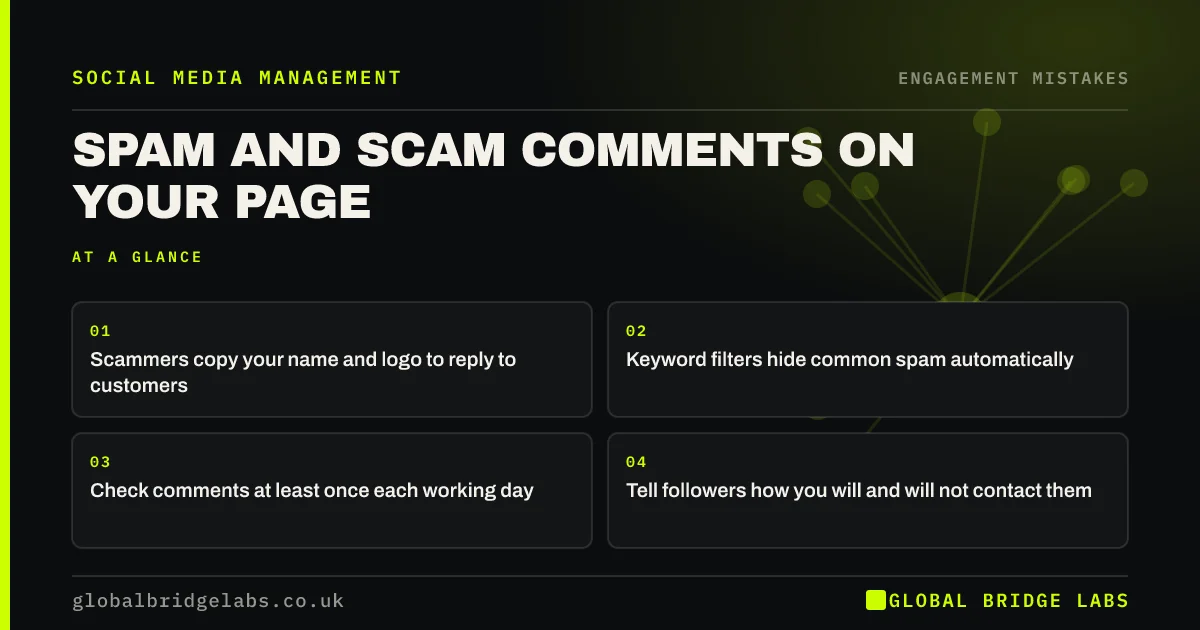
- Scammers copy your name and logo to reply to customers.
- Keyword filters hide common spam automatically.
- Check comments at least once each working day.
- Tell followers how you will and will not contact them.
Want your moderation set up? Message us on WhatsApp.
Chat on WhatsApp →Why is spam a business risk?
Spam is a business risk because scam comments often pretend to be you. A fake account with your logo replies to a customer's complaint, asks them to message, and then asks for card details. The customer blames your business. Even ordinary spam makes a page look unmanaged.
What are the common moderation mistakes?
The common mistakes are checking comments only occasionally, not using keyword filters, deleting genuine criticism while leaving spam, and not reporting impersonation accounts.
How do you moderate comments properly?
Moderate with filters and a routine. Turn on the platform's spam and keyword filters, add words such as 'DM me', 'WhatsApp me', 'crypto' and common scam phrases, check comments at set times each day, hide scams and report impersonators.
- 1. Turn on spam and keyword filters.
- 2. Add common scam phrases to the filter.
- 3. Check comments daily.
- 4. Hide scams and report impersonators.
- 5. Pin a note on how you contact customers.
Want filters set up for your accounts? Message us on WhatsApp and we will discuss your requirements.
Chat on WhatsApp →Can filters go too far?
Yes. Over-strict filters can hide genuine questions, such as customers asking for your WhatsApp number. Review hidden comments weekly and unhide any real ones. Filters support moderation; they do not replace a person checking.
How do you spot scam comments quickly?
Spot scam comments by looking for accounts using your name or logo that are not yours, replies asking customers to message a different account or number, links to unknown sites and comments mentioning payment, crypto or prizes. They often appear under complaints, where customers want help.
- Accounts copying your name or logo.
- 'Message us on this number' replies.
- Unknown links.
- Payment, crypto or prize offers.
What does this look like in practice?
A pattern we see: a busy page where scam accounts posing as 'customer support' reply to complaints within minutes. Turning on keyword filters and pinning a note that the business never asks for payment by message cuts most of it.
Moderation checklist
- Turn on spam and keyword filters.
- Check comments every working day.
- Hide scams and report impersonators.
- Review hidden comments weekly.
- Tell followers how you contact them.
Next step
Open your page's moderation settings today and add ten common scam phrases to the keyword filter.
Message us on WhatsApp for help, or book a 30-minute consultation.
Chat on WhatsApp →Sources and further reading
- Meta Business Help Centre · Meta
- Small Business Guide: cyber security · National Cyber Security Centre
Frequently asked questions
How do I stop spam comments on my Facebook page?
Use Meta's moderation tools: turn on spam filtering and add keyword filters for common scam phrases. Check comments daily, hide scams and report impersonation accounts.
What should I do if someone impersonates my business in comments?
Hide the comment, report the account through the platform as impersonation, and post or pin a note telling followers how your business does and does not contact people. Reply to any affected customer from your real account.
Should I hide or delete spam comments?
Either is fine for spam and scams. Hiding is quicker and keeps the spammer from noticing. Delete and report anything harmful or impersonating your business.
Written by

Global Bridge Labs (GBL) is a UK–Sri Lanka partner for social media, websites and BPO. Everything here comes from client delivery, not theory.