On this page
- 01Key takeaways
- 02What does live stream production include?
- 03How much does a supported live stream cost?
- 04Do you need professional equipment?
- 05What drives the cost of a live up?
- 06How do you get more value from one live?
- 07When is a live stream not worth it?
- 08What does this look like in practice?
- 09Live stream checklist
- 10Next step
- 11Sources and further reading
- 12Frequently asked questions
Key takeaways
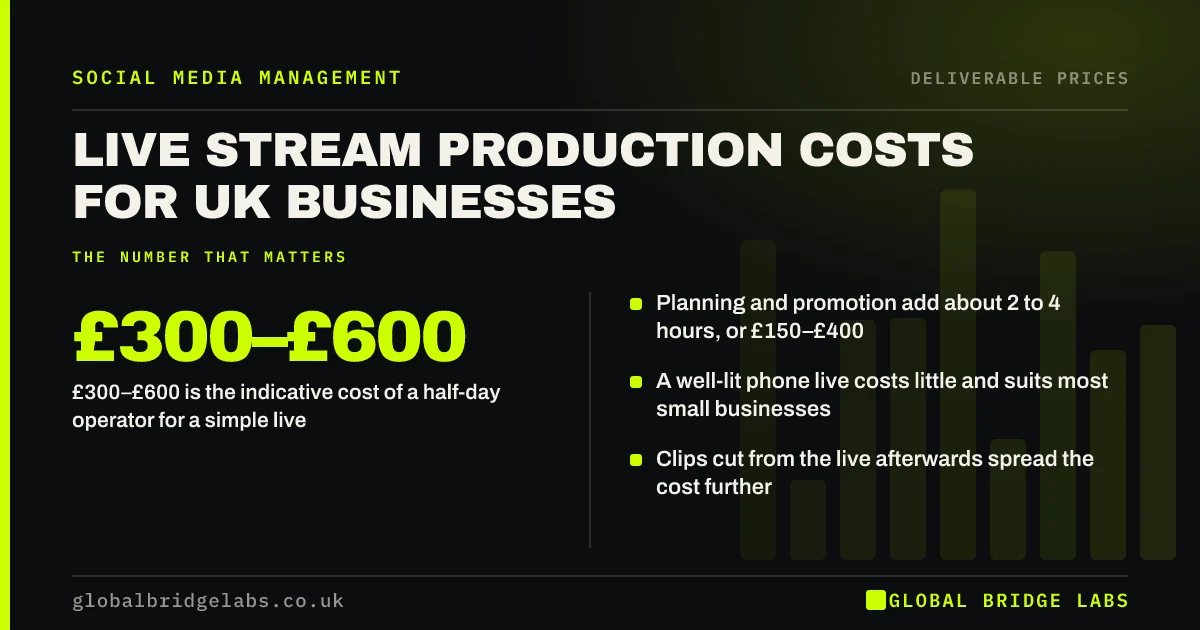
Live stream production cost in the UK ranges from almost nothing for a phone live to hundreds of pounds for a supported stream. As indicative figures, an operator for a half-day costs about £300–£600, plus 2 to 4 hours of planning and promotion at £150–£400. Multi-camera streams cost more.
- £300–£600 is the indicative cost of a half-day operator for a simple live.
- Planning and promotion add about 2 to 4 hours, or £150–£400.
- A well-lit phone live costs little and suits most small businesses.
- Clips cut from the live afterwards spread the cost further.
Want a live session planned and costed? Message us on WhatsApp.
Chat on WhatsApp →What does live stream production include?
Live stream production is everything needed to broadcast live on Facebook, Instagram, LinkedIn, YouTube or TikTok: planning the running order, promoting the date, setting up camera, sound and lighting, running the stream, moderating comments and saving the recording for clips.
How much does a supported live stream cost?
A simple supported live needs one operator for a half-day, about £300–£600 in line with UK half-day filming rates, plus 2 to 4 hours of planning and promotion at £75–£100 an hour. Multi-camera streams with graphics, guests and a dedicated moderator cost more. These are indicative figures, not a GBL price list.
- Phone live you run yourself: little beyond a light and microphone.
- Supported single-camera live: indicative £450–£1,000 all in.
- Multi-camera or event stream: priced by crew and equipment.
- Highlight clips afterwards: indicative £110–£400 each.
Want a quote for a supported live session? Send us the format on WhatsApp and we will discuss your requirements.
Chat on WhatsApp →Do you need professional equipment?
Most small businesses do not. A recent phone, a clip-on microphone, a simple light and a stable stand give a clear picture and clean sound. Sound matters more than picture. Professional kit earns its cost for panel discussions, product launches and events with several speakers.
What drives the cost of a live up?
Cameras, guests, location and rehearsal drive the cost. Each extra camera needs a person or switching software. Remote guests need testing. A venue needs reliable internet, which is the most common failure point. A rehearsal adds time but prevents a broken stream.
- More than one camera or remote guests.
- On-screen graphics and branded overlays.
- Venue internet checks and backup connection.
- A dedicated comment moderator.
How do you get more value from one live?
Treat the live as raw material. A 30 minute session can supply several short clips, a few quote graphics and a written summary. Cutting those after the stream spreads the production cost across weeks of content rather than one hour of viewing.
When is a live stream not worth it?
A live is not worth paying for when nobody will turn up. Without an audience or promotion, a recorded video does the same job with less risk. Lives work best for an existing audience with questions: product demos, open Q&As, events and behind-the-scenes days.
What does this look like in practice?
A pattern we see with UK retail and hospitality businesses: a monthly live Q&A with a simple phone set-up builds a regular audience over time. Global Bridge Labs (GBL) plans the questions, promotes the date and cuts the best answers into clips, so each session feeds the content calendar.
Live stream checklist
Check these before you go live.
- Running order and who speaks when.
- Internet tested at the location.
- Microphone and light tested on camera.
- Someone watching and answering comments.
- Recording saved for clips afterwards.
Next step
Tell us what you want to stream and where. We will tell you whether a phone live is enough or a supported stream is worth it.
Message us on WhatsApp for a live stream plan, or book a 30-minute consultation.
Chat on WhatsApp →Sources and further reading
- Meta Business Help Centre · Meta
- LinkedIn Pages best practices · LinkedIn
- Create a YouTube channel · YouTube Help
Frequently asked questions
How much does it cost to live stream on social media?
Running a phone live yourself costs little beyond a light and microphone. A supported single-camera live with an operator for a half-day and a few hours of planning costs an indicative £450–£1,000 in the UK. Multi-camera event streams are priced by crew and equipment.
Which platform is best for business live streams?
Use the platform where your audience already is. LinkedIn suits B2B talks and panels, Facebook suits local communities, Instagram and TikTok suit product demos and behind-the-scenes content, and YouTube suits longer sessions you want people to find later.
How long should a business live stream be?
Twenty to forty minutes is enough for most small business lives. Long enough for people to join and ask questions, short enough to hold attention. Plan a clear running order so the stream does not drift once the main points are covered.
Can I use a live stream recording afterwards?
Yes. Save the recording and cut it into short clips, quotes and a written summary. Check any music played or guest appearances are covered for reuse. Clips from one live can supply several weeks of posts.
Written by

Global Bridge Labs (GBL) is a UK–Sri Lanka partner for social media, websites and BPO. Everything here comes from client delivery, not theory.