On this page
- 01Key takeaways
- 02What is the Meta pixel?
- 03Why does the pixel need consent?
- 04What changed with the Data (Use and Access) Act 2025?
- 05How should your cookie banner handle the pixel?
- 06What should your privacy notice say?
- 07How do you retarget without the pixel?
- 08What are the risks of getting it wrong?
- 09What does this look like in practice?
- 10Pixel compliance checklist
- 11Next step
- 12Sources and further reading
- 13Frequently asked questions
Key takeaways
The Meta pixel places or reads identifiers on a visitor's device for advertising, so under PECR it needs the visitor's consent before it fires. Set your cookie banner to block the pixel until someone accepts marketing cookies, make rejecting as easy as accepting, and explain it in your privacy notice. The ICO has made cookie compliance an active priority.
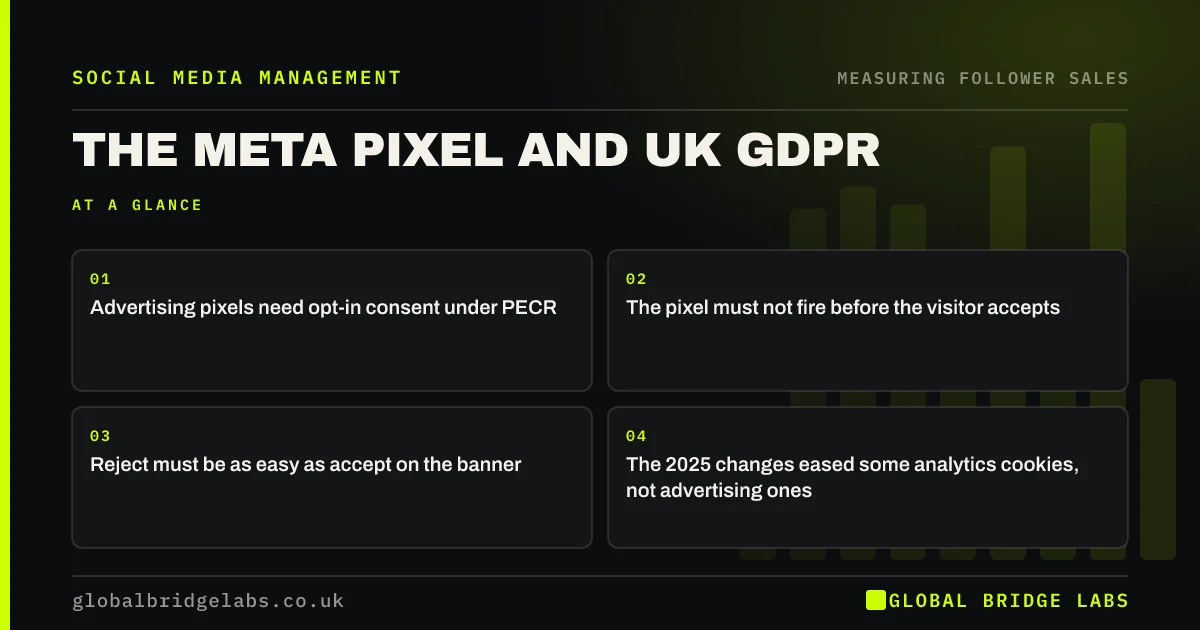
- Advertising pixels need opt-in consent under PECR.
- The pixel must not fire before the visitor accepts.
- Reject must be as easy as accept on the banner.
- The 2025 changes eased some analytics cookies, not advertising ones.
Want your pixel and cookie banner checked? Message us on WhatsApp.
Chat on WhatsApp →What is the Meta pixel?
The Meta pixel is a piece of code on a website that records visitors' actions, such as page views, leads and purchases, and sends them to Meta so the business can measure adverts, build retargeting audiences and optimise campaigns. It uses cookies and similar technologies to identify browsers.
Why does the pixel need consent?
Under the Privacy and Electronic Communications Regulations (PECR), storing or accessing information on a user's device needs consent unless it is strictly necessary for a service they asked for. Advertising and retargeting are not strictly necessary. The data the pixel sends is also personal data under UK GDPR. This is general information, not legal advice.
What changed with the Data (Use and Access) Act 2025?
The Data (Use and Access) Act 2025 created exemptions from cookie consent for some low-risk purposes, such as certain analytics to improve a website, provided users are told and can object. Advertising and retargeting cookies, including the Meta pixel, are not covered and still need consent. Check the ICO's current guidance as provisions come into force.
How should your cookie banner handle the pixel?
Your banner should block the pixel until the visitor actively accepts marketing or advertising cookies, offer reject as clearly as accept on the first layer, and remember the choice. Test it: load the site in a private window, do nothing, and check with browser tools or Meta's Pixel Helper that no Meta request fires.
Not sure whether your pixel fires before consent? Message us on WhatsApp and we will discuss your requirements.
Chat on WhatsApp →What should your privacy notice say?
Your privacy notice should say that you use the Meta pixel, what it collects, why (advertising measurement and audiences), that Meta receives the data, and how people can withdraw consent. The ICO's guidance on the right to be informed sets out what to include.
How do you retarget without the pixel?
You can retarget without the pixel using audiences built inside Meta: people who engaged with your Instagram or Facebook account, watched your videos or opened a lead form. For many small businesses these warm audiences are enough, and they do not depend on visitors to your website accepting cookies.
What are the risks of getting it wrong?
The risks are regulatory and practical. The ICO has written to many websites about non-compliant cookie banners and can fine for PECR breaches. Practically, data collected without valid consent should not be used, so audiences built from it are a liability rather than an asset.
What does this look like in practice?
A pattern we see: a pixel added by a former agency directly in the site header, firing before the cookie banner appears. Moving it behind the consent tool and switching retargeting to engagement audiences keeps most of the value without the risk.
Pixel compliance checklist
- Find where the pixel is installed.
- Load it only after marketing consent.
- Give reject equal weight on the banner.
- Test in a private window that it does not fire.
- Describe it in your privacy notice.
- Use engagement audiences where you can.
Next step
Open your site in a private window, do not touch the banner, and check whether Meta requests appear. If they do, fix that first.
Message us on WhatsApp and we will check your pixel set-up, or book a 30-minute consultation.
Chat on WhatsApp →Sources and further reading
- Cookies and similar technologies under PECR · Information Commissioner's Office
- Learn about Meta pixel · Meta
- Data (Use and Access) Act 2025 · legislation.gov.uk
- Right to be informed (privacy information) · Information Commissioner's Office
Frequently asked questions
Is the Facebook pixel legal in the UK?
Yes, if it only fires after the visitor consents to advertising cookies and your privacy notice explains it. Under PECR, advertising cookies and similar technologies need opt-in consent. Firing the pixel before consent is not compliant.
Does the Meta pixel need cookie consent?
Yes. It stores or reads identifiers on the visitor's device for advertising, which is not strictly necessary for the service they asked for. The 2025 changes to UK law eased consent for some analytics, not for advertising pixels.
Can I retarget visitors who reject cookies?
Not through the pixel on your website. You can still reach people who engaged with your accounts or watched your videos using Meta's engagement audiences, which do not depend on your website's cookies.
Written by

Global Bridge Labs (GBL) is a UK–Sri Lanka partner for social media, websites and BPO. Everything here comes from client delivery, not theory.