On this page
Key takeaways
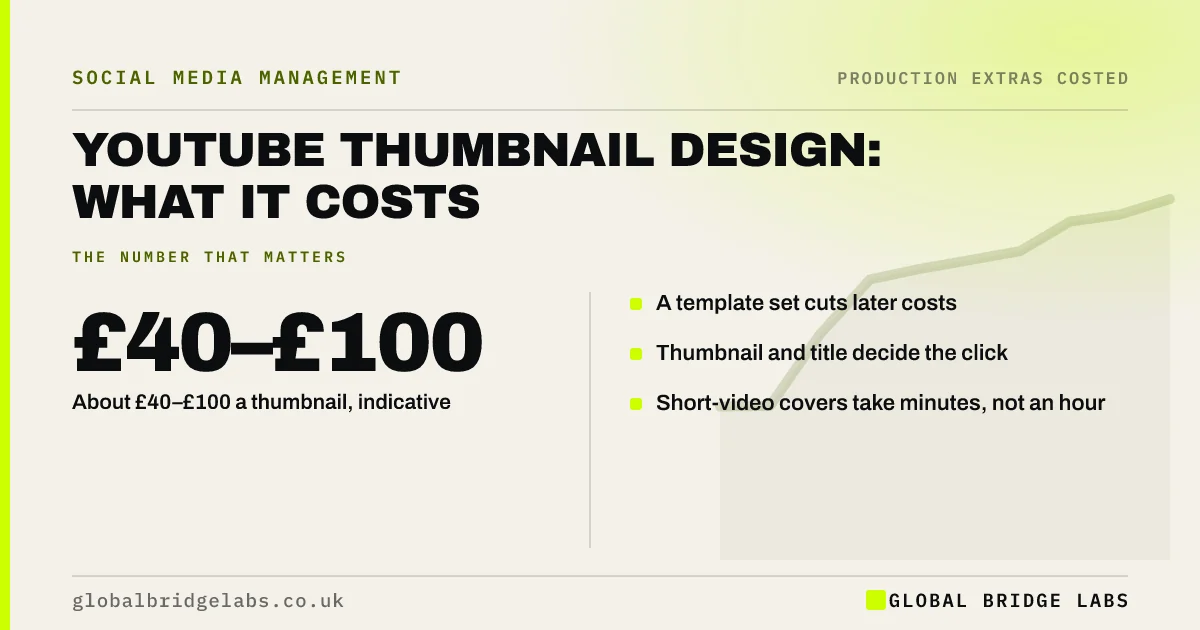
YouTube thumbnail design typically costs an indicative £40–£100 a thumbnail in the UK (30 minutes to an hour at £75–£100 an hour), or less from a template once one exists. Thumbnails and titles decide whether people click, so they are often the best-value spend on a business channel. Reels and Shorts covers cost less.
- About £40–£100 a thumbnail, indicative.
- A template set cuts later costs.
- Thumbnail and title decide the click.
- Short-video covers take minutes, not an hour.
Want thumbnails that earn clicks? Message us on WhatsApp.
Chat on WhatsApp →What makes a thumbnail work?
A YouTube thumbnail is the image people see before they decide to watch. Good ones show one clear subject, a few large words at most, strong contrast and a promise that matches the title. They must still read at phone size, where most viewers see them.
How much does thumbnail design cost?
A custom thumbnail with a cut-out photo, text and branding takes 30 minutes to an hour, an indicative £40–£100. Building a template set first costs 2 to 4 hours, about £150–£400, after which each thumbnail takes 15 to 30 minutes. Covers for Reels and Shorts are quicker still.
- Custom thumbnail: £40–£100.
- Template set: £150–£400 once.
- From template: about £20–£50 each.
- Photo shoot for thumbnail images: extra.
Send us your channel on WhatsApp and we will discuss your requirements.
Chat on WhatsApp →Why are thumbnails worth paying for?
A video that nobody clicks earns nothing, however good it is. Improving thumbnails on existing videos can raise views without making new content. For a business channel publishing a few videos a month, thumbnails are a small cost relative to filming and editing.
When is a template enough?
For regular series, such as weekly tips, a branded template with a changing photo and headline is enough and keeps the channel consistent. Fully custom thumbnails earn their cost on cornerstone videos you expect to drive views for months.
What does this look like in practice?
A pattern we see: a business channel uses auto-selected video frames as thumbnails, many of them blurred mid-sentence. Replacing thumbnails on the ten most-viewed videos usually lifts click-through without any new filming.
Thumbnail checklist
- One clear subject, readable at phone size.
- Three to five words at most.
- Match the promise to the title.
- Use a template for regular series.
- Refresh thumbnails on top old videos.
Next step
Look at your channel on a phone. If you cannot tell what each video is about from the thumbnail, start there.
Message us on WhatsApp for a thumbnail refresh, or book a 30-minute consultation.
Chat on WhatsApp →Sources and further reading
- Create a YouTube channel · YouTube Help
- Measure key moments for audience retention · YouTube Help
Frequently asked questions
How much should I pay for a YouTube thumbnail?
At UK agency rates, an indicative £40–£100 for a custom thumbnail, or about £20–£50 once a template exists. Cheaper options exist, but check the designer understands your audience and brand.
Do custom thumbnails increase views?
They often improve click-through rate, which means more of the people shown the video choose to watch. YouTube's own guidance stresses thumbnails and titles that accurately represent the video.
Can I change thumbnails on old videos?
Yes. You can update a thumbnail at any time in YouTube Studio. Refreshing thumbnails on your most-viewed older videos is a low-cost way to test what works.
Written by

Global Bridge Labs (GBL) is a UK–Sri Lanka partner for social media, websites and BPO. Everything here comes from client delivery, not theory.