On this page
- 01Key takeaways
- 02What is revenue per visitor?
- 03How do you calculate revenue per visitor?
- 04Why is RPV better than conversion rate alone?
- 05How do you use RPV to make decisions?
- 06When is RPV misleading?
- 07What does this look like in practice?
- 08RPV checklist
- 09Next step
- 10Sources and further reading
- 11Frequently asked questions
Key takeaways
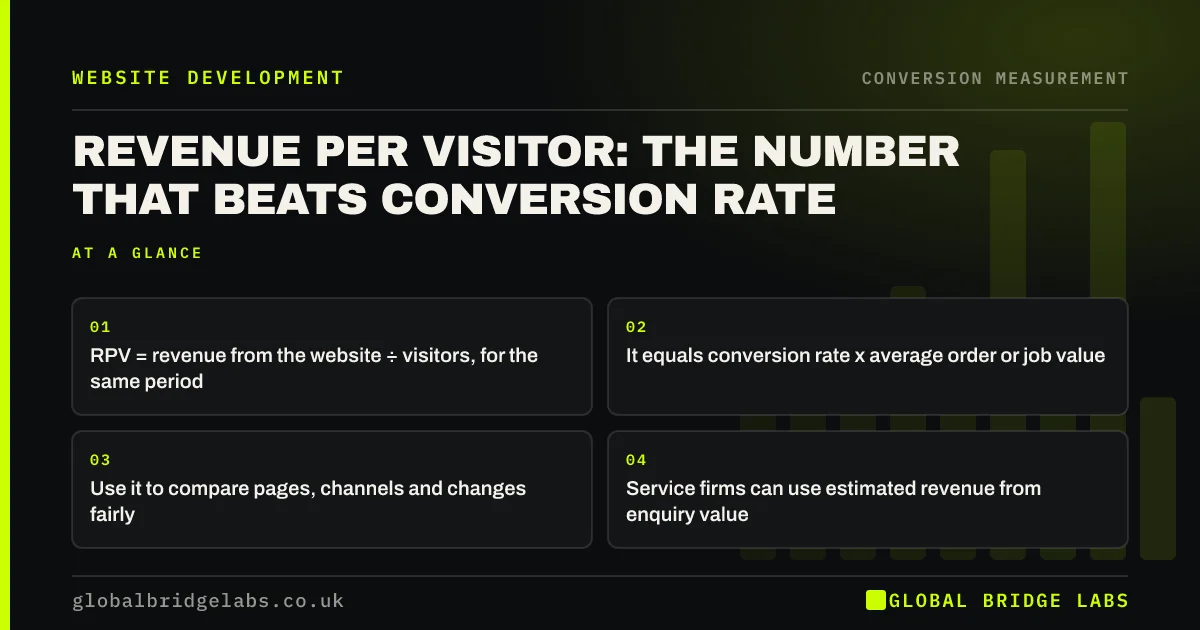
Revenue per visitor (RPV) is the revenue your website generates divided by the number of visitors. It combines conversion rate and order or job value into one number, so it shows whether a change made the site more valuable, not just busier. A change that raises conversion but attracts smaller orders can lower RPV.
- RPV = revenue from the website ÷ visitors, for the same period.
- It equals conversion rate x average order or job value.
- Use it to compare pages, channels and changes fairly.
- Service firms can use estimated revenue from enquiry value.
Want your revenue per visitor worked out by channel? Message us on WhatsApp.
Chat on WhatsApp →What is revenue per visitor?
Revenue per visitor is the average revenue generated by each visitor to a website over a period. It is calculated by dividing website revenue by the number of visitors or sessions. Because it captures both how many visitors buy and how much they spend, it is a better single measure of website performance than conversion rate alone.
How do you calculate revenue per visitor?
For e-commerce, divide online revenue by sessions or users for the same period. For a service business, estimate revenue from enquiries: website enquiries x enquiry-to-sale rate x average job value, divided by visitors.
- E-commerce: £24,000 revenue ÷ 12,000 sessions = £2.00 RPV.
- Service: 40 enquiries x 25% x £2,000 = £20,000; ÷ 2,500 visits = £8.00 RPV.
- Check: 1.6% conversion x £2,000 x 25% = £8.00 per visit.
Why is RPV better than conversion rate alone?
Conversion rate ignores value. Offering a large discount or promoting a cheap product can raise conversion while lowering revenue. Removing prices can raise enquiries while filling the diary with small jobs. RPV catches these trade-offs because it moves only when the site genuinely earns more from the same visitors.
How do you use RPV to make decisions?
Compare RPV by channel to decide where to spend: a channel with lower traffic but higher RPV may deserve more budget. Compare RPV by landing page to decide what to improve first. Compare RPV before and after a change to judge whether it worked. RPV also tells you the most you can afford to pay per visitor on ads.
- By channel: which sources bring valuable visitors.
- By page: which pages to improve first.
- Before and after: whether a change helped.
- Ad ceiling: never pay more per click than RPV times your margin.
Send us three months of revenue and visits by channel on WhatsApp and we will calculate RPV.
Chat on WhatsApp →When is RPV misleading?
RPV is noisy on low-traffic sites and in months with a few large orders. It also ignores profit: a high-revenue product with thin margins can raise RPV while lowering profit. Use longer periods for small sites, and where margins differ widely, use gross profit per visitor instead.
What does this look like in practice?
A UK garden supplies retailer ran a free delivery offer that lifted conversion rate. Revenue per visitor fell, because the offer attracted many small orders that barely covered the delivery cost. Setting a free delivery threshold kept most of the conversion gain while restoring RPV above its previous level.
RPV checklist
- Calculate RPV monthly for the whole site.
- Break it down by channel and top landing pages.
- Use estimated revenue from enquiries for service businesses.
- Compare RPV before and after every significant change.
- Use gross profit per visitor where margins vary widely.
- Use at least three months of data on low-traffic sites.
Next step
Revenue per visitor turns website performance into pounds. Once you know it by channel and page, decisions about where to spend become far clearer. We can help you set it up.
Message us on WhatsApp to calculate your revenue per visitor, or book a 30-minute consultation.
Chat on WhatsApp →Sources and further reading
- About key events · Google Analytics Help
- Get started with attribution · Google Analytics Help
- Google Merchant Center Help · Google
Frequently asked questions
What is revenue per visitor?
Revenue per visitor is the average revenue a website earns from each visitor over a period, calculated by dividing website revenue by visitors or sessions. It combines conversion rate and average order value into one figure. It shows whether a change made the site more valuable, not just busier.
How do I calculate revenue per visitor?
Divide revenue attributed to the website by the number of visitors in the same period. For service businesses, estimate revenue as enquiries times enquiry-to-sale rate times average job value, then divide by visitors. Use the same period for revenue and visitors, and at least three months of data for a small site.
Is revenue per visitor better than conversion rate?
It is a better single measure because it includes value. Conversion rate can rise while revenue falls, for example after a discount that attracts small orders. Track both, but judge changes by revenue per visitor. Where margins vary widely, gross profit per visitor is even better.
What is a good revenue per visitor?
It depends entirely on your prices and sector, so there is no universal benchmark. Compare your RPV with your own previous periods and across your channels and pages. Rising RPV means the site is earning more from the same traffic.
Written by

Global Bridge Labs (GBL) is a UK–Sri Lanka partner for social media, websites and BPO. Everything here comes from client delivery, not theory.